
Description
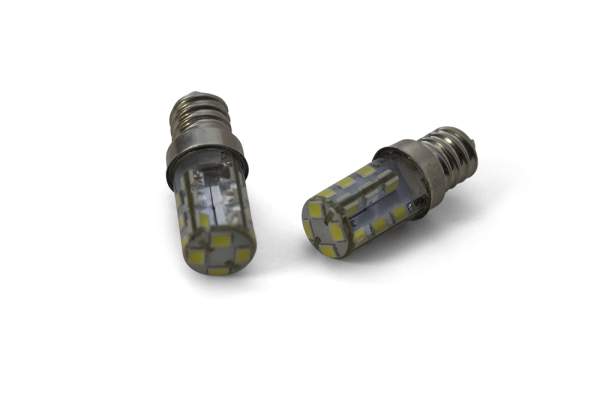
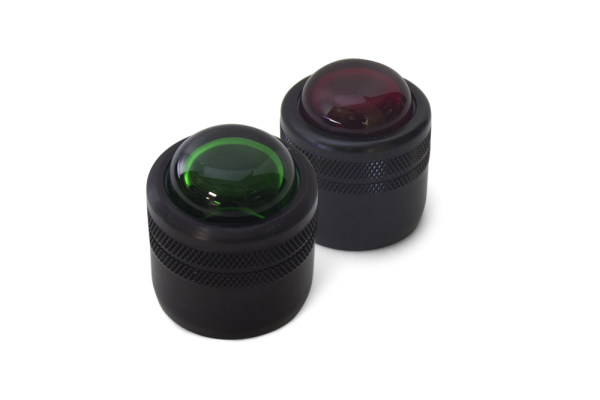
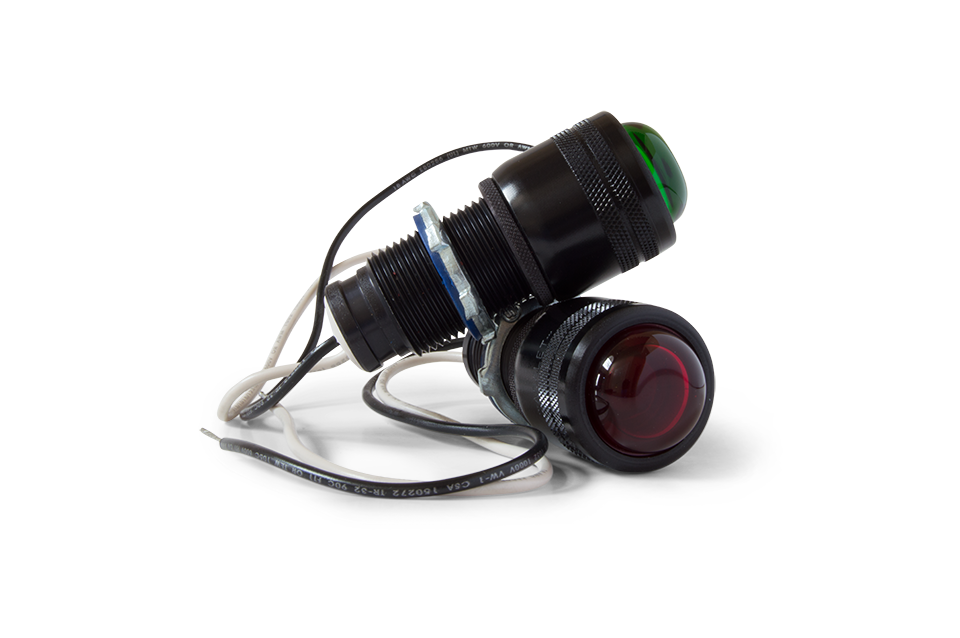
STS lamp assemblies are the red and green indicator lights on the STS 300 Ground Monitoring System. They are available for all STS 300 Series models and are compatible with both LED and incandescent bulbs. Bulbs are sold separately.
What the lamps do
The indicator lamps are how the operator reads the grounding status. A green light shows that a proper ground connection has been made and the controller is permissive. A red light shows that a good ground is not verified and the operation should not begin. If both lights are off, the system has no power and is non-permissive.
When to replace a lamp assembly
Replace the complete assembly when the lamp body is damaged. If only the colored lens is cracked, a lens cap can be replaced on its own, and a burned-out bulb can be replaced with a light bulb. Installing a lamp assembly requires removing the enclosure cover, so switch off power and lock out the system first. Step-by-step instructions are in the lamp assembly installation instructions (PDF), which cover both versions of the circuit board.
Part numbers
| Part number | Description | Color |
|---|---|---|
| ST-1-GA | Complete lamp assembly | Green |
| ST-1-RA | Complete lamp assembly | Red |
| ST-1-GC | Lens cover only | Green |
| ST-1-RC | Lens cover only | Red |
Installation notes from STS: the lamp screws into the socket so that 6 threads are inside, the nut is tightened to compress the rubber gasket against the socket face, and the 14 cover bolts are tightened to 11 ft-lb.
Compatible products
- Light Bulbs (LED or incandescent)
- Lens Caps
- Circuit Boards
- STS 300 Ground Monitoring System
FAQ
Are bulbs included with the lamp assembly?
No. Bulbs are sold separately. The assemblies accept both LED and incandescent bulbs.
Will these fit an older STS 300?
The lamp assemblies are available for all STS 300 Series models.
Which side does each color go on?
Red is on the left and green is on the right. Installing the lens caps on the wrong sides is listed in the STS 300 troubleshooting table as a cause of a green light showing when the system is not attached.
Not sure which part fits your unit? Request a quote with your STS 300 model number and STS will confirm the part.